 UrCartBuddy
Start free trial
UrCartBuddy
Start free trialRecipe to shopping list
Turn a recipe into your shopping list.
Paste a recipe link or name a dish. UrCartBuddy picks out the ingredients; you check what you need and save the rest to your list.
30 days free. No card required to start. Then £1.99/month if you choose to continue.
iPhone/iPad: open the web app in Safari, then Share → Add to Home Screen. Installation instructions. Computer: use any browser; optionally install from Chrome or Edge. Android app: currently in closed testing. Use your browser to start today.
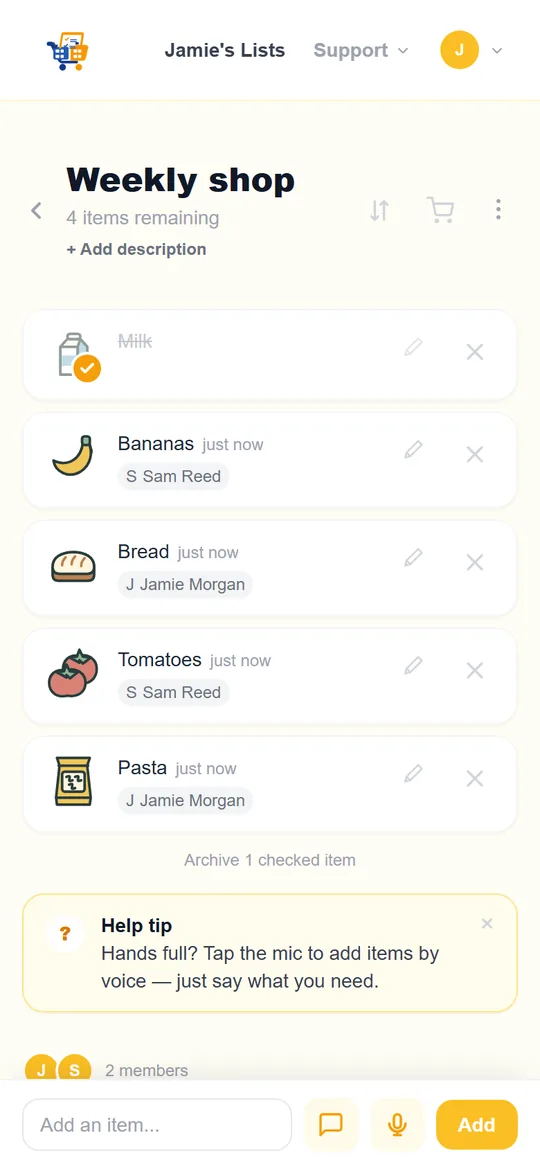
Paste a link or name a dish
Open Import in the app and choose Recipe, or ask Chat. You can also send a recipe link to UrCartBuddy in a one-to-one WhatsApp or Telegram chat.
A dish search finds a recipe for you. Check its title and source link before saving.
Check the ingredients
Recipes with three or more ingredients open a review screen, in your browser or the Android app. Check the item names, remove anything you already have and choose an existing list you can edit or create a new one.
In this review, saving adds the ingredients you have kept. Check the result before heading to the shop.
Save, share and shop
Save the ingredients you need. Your household can add their own items to the same list and see additions and ticks while connected.
Watch a recipe become a list
The film shows a recipe link sent through WhatsApp, followed by browser review and a saved shopping list. Recipe import is also available through Import and Chat in the app.
Every screen is a genuine app capture. The browser app is available today; the native Android app is in closed testing.
Transcript and visual description
0:00 Found a recipe you fancy? Skip copying out the ingredients.
0:05 Send the link to UrCartBuddy on WhatsApp.
0:09 It replies with the ingredients and a link to review them.
0:14 Open the link, remove anything you already have, and save them as a new shopping list.
0:23 Now your list in UrCartBuddy is ready to tick off at the shop.
0:29 Invite your family to the same list, so they can add what they need too.
0:34 Get started at UrCartBuddy dot com.
Upbeat instrumental music plays. A recipe is open in a browser. In a one-to-one WhatsApp chat, its link is sent to UrCartBuddy. The reply names ingredients and offers Review items. The review opens in the browser; an unneeded ingredient is removed and the remainder saved as a new list. The saved list is ticked and its invite controls are shown. The film ends with UrCartBuddy.com. Private link codes are masked.
Music: Funkorama by Kevin MacLeod, CC BY 4.0. Excerpt edited, level adjusted and faded.
Written recipes, with room to check
Public written recipe pages can work, including cooking blogs and recipe websites. Some sites block downloads; pages requiring sign-in or payment cannot be imported. Video and social links from YouTube, TikTok, Instagram, Pinterest and Facebook are not supported.
The ingredients are suggestions to check against the recipe. Remove anything you already have; UrCartBuddy does not keep an inventory of your cupboards.
Recipe imports use the AI allowance. WhatsApp replies also count towards the separate owner-shared reply allowance. Chat and Telegram don't use the WhatsApp reply allowance, but their AI features use the separate AI allowance. AI used on shared lists counts against the list owners' allowances. Read the usage limits.
Common questions
Can I import any recipe website?
No. Public written recipes can work, but sign-in, paywalls and download blocking can prevent access. Video and social links are not supported.
Will it use the recipe I had in mind?
A pasted link identifies your recipe. If you name a dish, UrCartBuddy searches for a recipe and shows its title and source. Check that it is the one you want before saving.
Can I remove ingredients I already have?
Yes. Imports with three or more ingredients open a review screen. Check the item names and remove unneeded ingredients before saving. UrCartBuddy does not track what is already in your cupboards.
Does recipe import need WhatsApp?
No. Use Import or Chat in the app, or send the link through Telegram. WhatsApp is another way to start; it is a one-to-one chat and has a separate reply allowance.
Can I save to a household list?
Yes, if you have current edit access. Creating a new personal list needs your own active trial or plan. Shared lists use their owner's coverage and allowances.
30-day free trial and household pricing · Use UrCartBuddy on your devices · Connect WhatsApp
Choose a recipe. Keep the shopping together.
30 days free. No card required to start. Then £1.99/month if you choose to continue.
iPhone/iPad: open the web app in Safari, then Share → Add to Home Screen. Installation instructions. Computer: use any browser; optionally install from Chrome or Edge. Android app: currently in closed testing. Use your browser to start today.